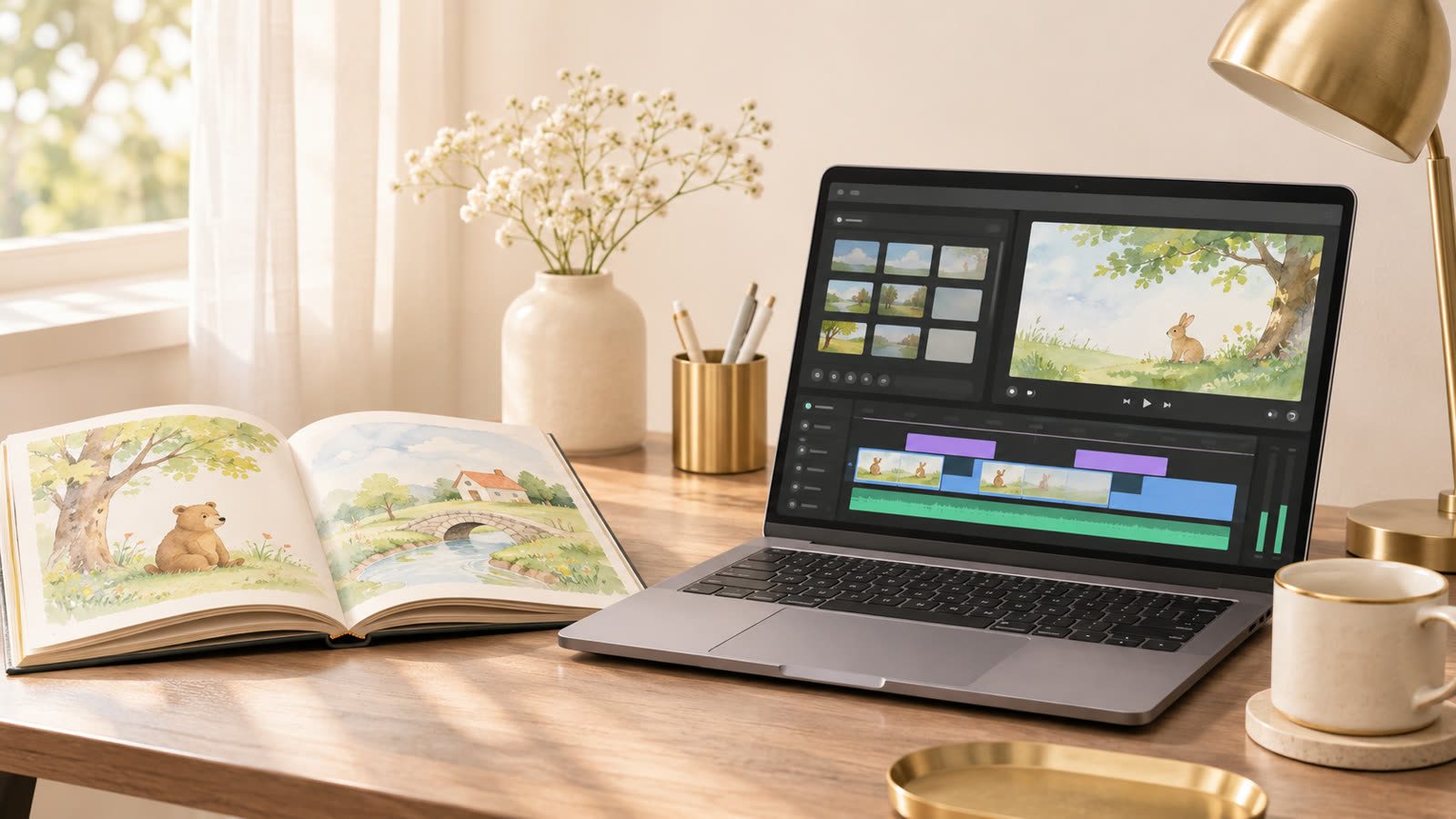
The honest starting point: most book trailers are bad
Not badly made — badly conceived. The standard indie book trailer is a slideshow of cover art, three lines of dramatic text, a stock orchestral sting, and a buy link. It is competent and it does nothing, because nothing in it is a reason to stop scrolling. Before you choose a tool, choose a job for the video. There are only three worth making:
- A scroll-stopper for Instagram, TikTok and Facebook. Vertical, 10–20 seconds, one moment, no explaining.
- A pitch asset for school librarians, bookshops, festivals and press. Horizontal, 20–40 seconds, shows you are a real operation.
- A launch piece for your campaign page, Kickstarter or Amazon A+ content. 30–60 seconds, tells enough story to create want.
Pick one. A trailer that tries to do all three does none of them.
What you need before you open any tool
This is where most attempts die, and it has nothing to do with software.
- The rights to your illustrations. If your illustrator retained rights, you may not be allowed to animate, crop or reuse the art. Check your contract before you spend an evening on this. It matters far beyond trailers.
- The highest-resolution files you have. Not the PDF proof, not a phone photo of the printed page — the original files your illustrator delivered. Everything downstream is limited by this.
- One sentence. Not a blurb. One sentence a seven-year-old's parent would repeat. "A shy duck has to fly south alone." If you cannot write that sentence, the trailer will not save the book.
- Music you are allowed to use. This trips up more authors than anything else — see below.
Option 1 — Canva (easiest, and the most obviously templated)
Canva is the default because it is free to start and the learning curve is about twenty minutes. Search its template library for "book trailer", drop your cover and interior art into the image frames, replace the text, export at 1080×1920 for vertical.
What Canva is genuinely good for: a clean, typographic trailer that looks tidy; quick vertical/square/horizontal resizes of the same project; getting something posted tonight.
Where it falls down: your art does not move. Canva animates elements — it slides, fades and zooms whole images. Your character is still a flat picture being panned across. Viewers read that instantly, even if they could not name what is wrong. And because thousands of authors use the same templates, your trailer looks like theirs.
The one trick worth knowing: do not animate the whole page. Export your character as a transparent PNG, place it on a separate layer above the background, and give the two layers different zoom speeds. That fake parallax is the single biggest quality jump available inside Canva.
Option 2 — CapCut (more control, steeper learning curve)
CapCut is a real video editor with a free tier, and it is what most people making short-form video actually use. For a book trailer it gives you proper keyframes, speed ramps, masks and sound design.
Use it if you want control over timing. The difference between a trailer that works and one that does not is usually rhythm — when the cut lands against the music — and Canva will not give you that precision.
The workflow that works: lay your music first, mark the beats, then cut your images to those marks. Not the other way around. Most amateur trailers feel wrong because the pictures were arranged first and the music was poured on top.
Where it falls down: same ceiling as Canva. CapCut moves your artwork around beautifully; it does not make your character move.
Option 3 — iMovie, and why it is usually the wrong choice
iMovie is fine and it is already on your Mac or iPhone. But it is built for holiday footage: its transitions are dated, its text styling is limited, and vertical export is awkward. If you already know it, it will do. If you are learning something from scratch anyway, learn CapCut instead — the skill transfers to everything else you will post.
Option 4 — AI book trailer generators
There is a wave of "AI book trailer maker" tools that take a blurb and return a finished video. Be clear-eyed about what you are getting. These tools generate new imagery from a text prompt. They do not animate your book. The result may be a pleasant-looking video of a child who is not your character, in a style that is not your illustrator's.
For a children's picture book that is usually fatal, because the art is the product. A parent who clicks through from a trailer with generic AI art and finds a different-looking book feels misled, and your illustrator — who may hold rights in that style — has a legitimate grievance.
There is a narrower use that works: generating background plates, skies, water or crowd elements that sit behind your real character art. That is set dressing, not substitution.
Music, and the mistake that gets videos muted
You cannot use a commercial song. Not thirty seconds of it, not quietly underneath, not "for a small account." On Instagram and TikTok a licensed track from the in-app library is fine for an organic post, but the moment you want that same file on your website, in a school email, in an ad, or on Amazon, you need music you have actually licensed. Use the platform library for social-only cuts, and a royalty-free licence for anything that leaves the app. Keep the receipt.
Length, and the mistake almost everyone makes
For social, 10–20 seconds. For a pitch, under 40. For a launch page, under 60. The common error is front-loading context — your name, the publisher, a slow fade-in of the cover — and spending the only four seconds you were given. Open on the strongest image you own. Put the title at the end.
Where the DIY route genuinely stops
You can make a good trailer in Canva or CapCut. Thousands of authors have. What you cannot do in either, at any skill level, is make your character move — a walk, a blink, a hug, wind in a coat, light changing across a face. Those tools transform rectangles. Animation redraws what is inside them.
That matters more for picture books than for any other category, because the whole promise of a children's book is a world a child wants to be inside. A still image panned across says "here is a book." A character who moves says "here is a world." That is the entire gap, and it is worth being honest that no amount of template-hunting closes it.